open source · TypeScript · documentation
ViteBoard
A local-first workspace that brings Markdown documentation and visual whiteboards into project files.
npx viteboard@latestRequires Node.js 18 or newer (opens in a new tab). Opens locally in your browser.
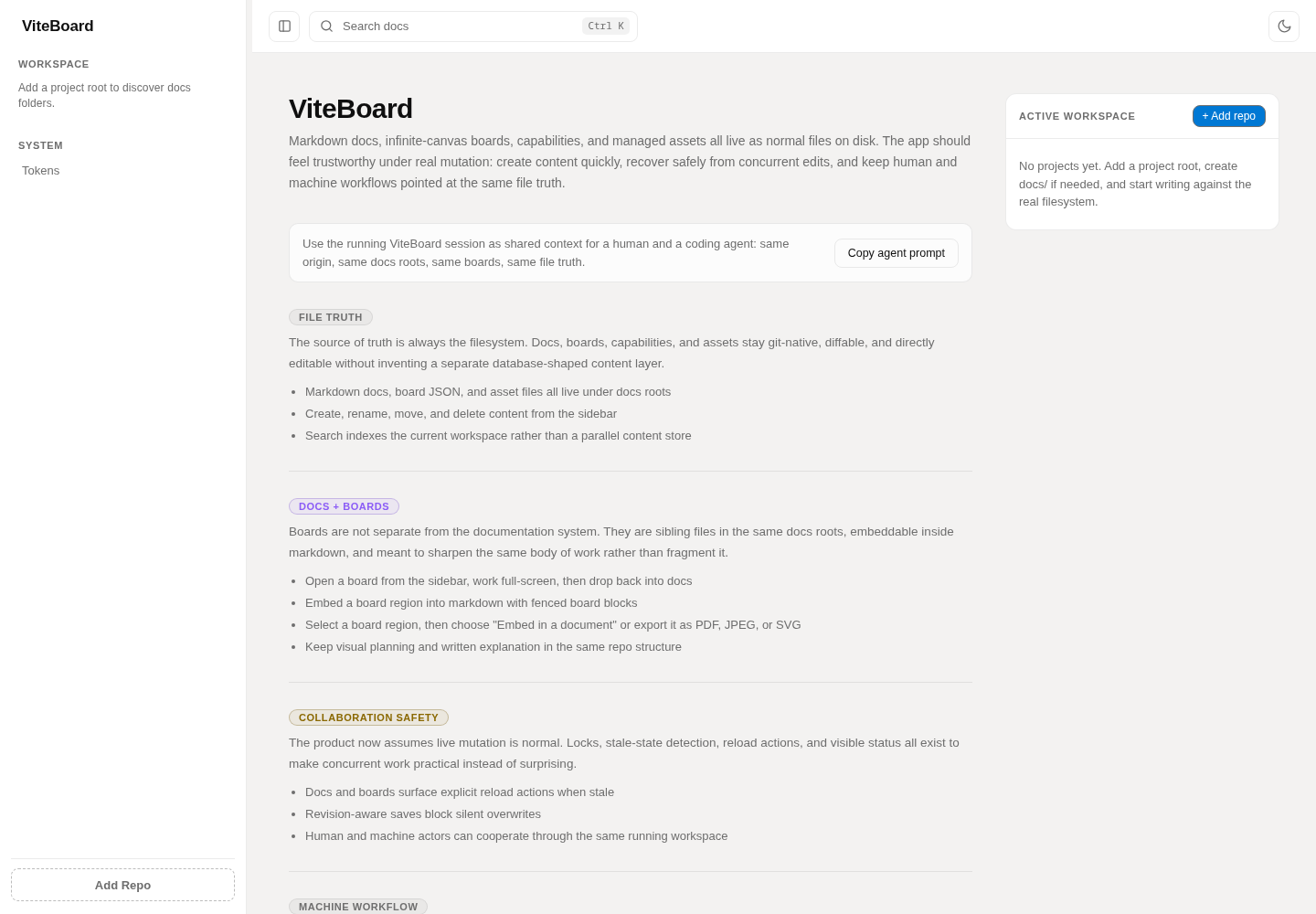 First-run workspace · View full size (opens in a new tab)
Documents
Edit Markdown documents beside your code. Keep decisions and explanations close to the work.
Visual boards
Map ideas on an infinite canvas. Embed a board region directly into a document.
Project files
Markdown, board JSON, and images stay on disk. Inspect them, edit them, and track them with Git.
Get started
- Run the command.Start ViteBoard on your machine.
- Add a repository.Select your project and its documentation folders.
- Open your workspace.Write a document or create a board.
Technical details
- Built with
- TypeScript, Vite, and the Canvas API.
- Storage
- A local server works with files on your machine. No hosted account is required.
- Release
- This overview reflects version 0.2.1, licensed under MIT.
- Good to know
- Refresh to pick up direct filesystem edits. Board SVG export contains a raster image rather than editable vector paths.